
How to Preserve Photographs for a Memorial Scrapbook: 6 Careful Steps
A six-step preservation workflow that separates irreplaceable originals from scrapbook copies and explains safe handling, scanning, mounting, storage, and referral.
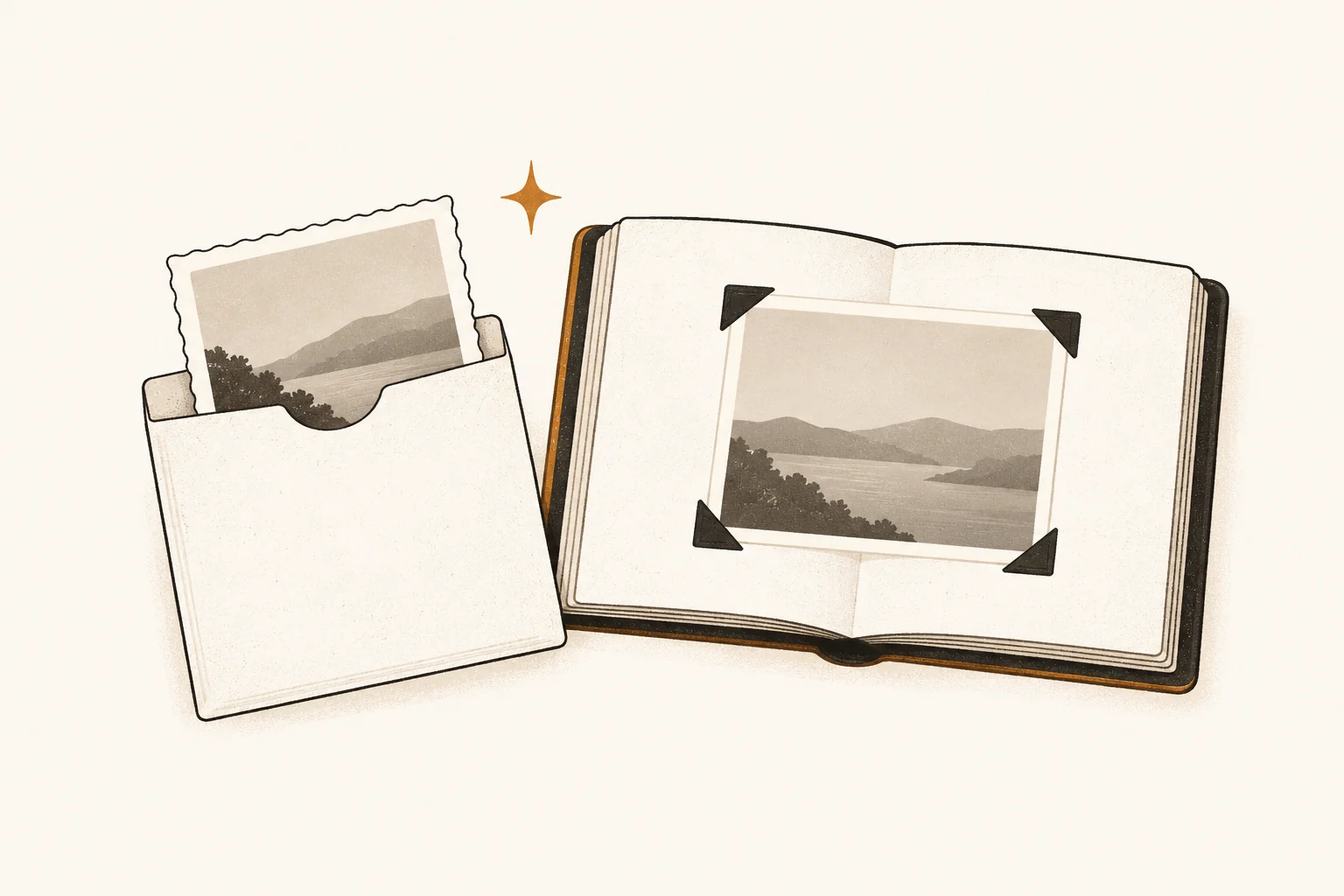
To preserve photographs for a memorial scrapbook, keep irreplaceable originals in protective storage and use well-made copies in the book whenever possible. Handle each original carefully, record its context, digitize it without forcing it flat, mount only a copy with photo-safe materials, and maintain both the stored original and the digital files.
This separation solves a difficult problem: a memorial book should be easy to open and share, while an original photograph may need limited light and handling. The National Archives recommends displaying copies while storing originals safely. A copy can carry the story on the page without making the only surviving print do two jobs.
Difficulty: Beginner for stable, loose prints; specialist help may be needed for damaged or unfamiliar materials
Estimated time: 45–90 minutes for a first batch of 10 photographs
Prerequisites: A clean work area, a small batch, temporary labels, a capture device, and a separate storage location for the originals
A good stopping point: One documented photograph, one checked digital copy, and one safely rehoused original
What you will need
- A clean, dry table away from food, drinks, direct sun, and household traffic
- Clean, dry hands or well-fitting clean nitrile gloves
- A pencil and tracking sheet for temporary identifiers and context
- Archival-quality paper enclosures or stable plastic sleeves appropriate to the photograph
- A flatbed scanner or supported overhead camera setup
- Photo corners or sleeves for the scrapbook copy
- Two separate places to store the finished digital files
Do not begin with tape, rubber cement, spray adhesive, cleaning fluid, household wipes, canned air, or a plan to peel photographs from old pages. Preservation begins by avoiding irreversible work.
Quick overview
| Step | Action | Result |
|---|---|---|
| 1 | Decide which items are originals | The irreplaceable material is identified before crafting begins |
| 2 | Handle and document each photograph | Names, order, writing, and source stay connected to the image |
| 3 | Screen for damage | Fragile items are not forced through a household workflow |
| 4 | Make a faithful digital copy | You gain a working image while keeping the original |
| 5 | Build the scrapbook with a copy | The book remains shareable without exposing the original |
| 6 | Store and check both versions | The original and digital files receive ongoing care |
Step 1: Separate originals from scrapbook copies
Start by deciding what you would be unable to replace. A unique print, tintype, instant photograph, handwritten studio portrait, or photograph still attached to an older album page should be treated as an original object, not simply as page decoration.
Make three working groups:
- Originals to preserve: unique or meaningful objects that should return to protective storage.
- Copies for the book: prints made from scans, duplicate family prints, or replaceable output.
- Items needing advice: damaged, stuck, mold-affected, rolled, flaking, or unfamiliar photographic materials.
This does not mean every original must disappear into a box. It means you make the choice deliberately. If a family member values the feel of one original print in the book, assess its condition and accept that light, handling, and mounting add risk.
Small next step: Choose just one photograph. Write down whether it is an original, a duplicate, or uncertain. Stop there if that is enough for today.
Step 2: Handle carefully and preserve the context
Prepare the table before bringing out photographs. The Library of Congress advises using clean hands or clean nitrile gloves, handling photographs by their edges or housings, and keeping the work area clean, dry, and free of food and drink in its photograph care guidance.
Gloves are useful for photographs, negatives, glass, and metal formats, but they can reduce dexterity. They must fit well and remain clean. Even with gloves, support a photograph with two hands and avoid the image area.
Assign a temporary identifier such as BOX01-001. Put that identifier on a tracking sheet and, preferably, on the enclosure rather than the photograph. Record:
- who appears in the image, including uncertainty;
- an approximate date and place;
- who supplied or owns the original;
- writing, stamps, studio marks, or numbering on the back;
- the album, envelope, or order in which it was found; and
- permission or privacy limits for sharing.
Photograph the container or album spread before changing its order. Context can be lost even when the image itself survives.
Warning: Do not turn a guess into a fact. Use phrases such as “possibly Ruth,” “about 1948,” or “location not confirmed” in your notes and captions.
Step 3: Stop when the condition makes home work unsafe
Look at each item before scanning or mounting it. Do not flatten a natural curl, pull apart stuck photographs, lift a print from a mount, or test a cleaner on the surface.
Set the item aside for professional advice if it is:
- flaking, powdery, sticky, cracked, blistered, or attached to glass;
- wet, mold-affected, smoke-damaged, or contaminated;
- tightly rolled, severely curled, torn, or brittle;
- a glass plate, cased image, negative, slide, or process you cannot identify; or
- important enough that an unsuccessful attempt would be unacceptable.
The Library of Congress notes that a photograph conservator may be needed when better housing does not resolve a condition problem. A conservator can assess the photographic process, surface, mount, and proposed treatment; a scanning service is not automatically a conservation service.
If there is loose surface debris, resist the urge to rub. Library of Congress guidance warns that even a soft brush can scratch some surfaces and recommends an air bulb rather than canned air for loose dust. When the surface is unstable or unfamiliar, leave it alone.
Step 4: Digitize without sacrificing the original
Digitization creates an access and production copy. It does not replace the original. The National Archives explicitly advises keeping originals after digitization because files can be lost and storage technology can become obsolete.
For a sound, flat, loose print, a flatbed scanner is usually straightforward. Keep the whole photograph within the glass area, include its edges, and never close a lid onto an oversized or curled item. Use an overhead camera setup for bound albums, larger objects, or photographs that should not be pressed flat.
Capture the back when it contains handwriting, a stamp, numbering, adhesive evidence, or other context. Pair the files with one identifier:
BOX01-001-front.tif
BOX01-001-back.tif
BOX01-001-book-copy.jpg
As a Legacy Memory Book house workflow, 600 pixels per inch at the original dimensions is a practical starting point for many family prints when storage permits; it is not a universal preservation standard. Save a high-quality master—often a lossless TIFF—and make a separate JPEG for page layout and sharing. Do not overwrite the neutral master when you crop, repair colour, remove scratches, or retouch a working copy.
Our detailed guide to scanning old photos for a memorial book covers device choice, resolution, fronts and backs, file checks, and service questions.
Tip: Open every master and book copy before returning the original to storage. Check the full edges, focus, colour, glare, writing, filename, and front/back pairing.
Step 5: Mount a display copy with tested materials
Print a display copy for the scrapbook. Keep the preserved master unedited, then prepare the book copy for the page size and layout you need. If the print must be replaced later, the master makes that possible.
Use non-adhesive attachment when you can. The Library of Congress recommends acid- and lignin-free paper photo corners or polyethylene corners and identifies polyethylene, polypropylene, and polyester as suitable film plastics for scrapbook construction. Avoid self-adhesive tape, rubber bands, paper clips, staples, and “magnetic” self-stick album pages.
“Acid-free” alone is not proof that a material is safe for photographs. The Library of Congress explains that photo-safe storage materials should meet ISO 18902 requirements, including passing the Photographic Activity Test (PAT). Our guide to what acid-free, lignin-free, photo-safe, and archival mean explains these labels before you buy.
Keep captions and provenance beside the copy, but do not write across the original. Include the known names, approximate date, location, source, and any uncertainty. For sensitive or living-person information, decide who will see the page before printing multiple copies or publishing it online.
If you choose to mount an original, use an enclosure or corner system that avoids adhesive contact and allows removal. Do not permanently alter an irreplaceable object merely to make a page lie flat.
Step 6: Store originals and maintain the digital copies
Place each original in an enclosure that fits without folding or bending. The National Archives recommends acid-free, lignin-free containers and stable plastic sleeves; enclosures used for photographs should pass the PAT. Avoid polyvinyl chloride (PVC), glassine, office paper, unknown plastics, overfilled boxes, and boxes so empty that photographs slump.
Store the collection in a cool, relatively dry, stable, clean place away from direct light, vents, radiators, food, pests, and water risks. Attics, garages, and damp basements commonly combine temperature swings with leaks or pests. Keep boxes on a shelf rather than directly on the floor.
Digital files need separate care. Follow the National Archives’ 3-2-1 recommendation: keep three copies, on two kinds of storage, with one copy off-site. Then test a sample restore and leave a plain-language handoff note explaining folders, filenames, ownership, and account access.
The practical companion guide is 3-2-1 backup for family photos and memory-book files. A backup is useful only if someone can find and open it.
Troubleshooting common preservation problems
A photograph is stuck to an old album page
Do not slide a tool underneath or add moisture. Photograph the whole page with support, keep the relationship between nearby items, and consult a photograph or paper conservator if removal is important.
An original is the only copy and the family wants it in the book
Make a high-quality scan and print a display copy first. Show the family both options and explain that a stored original can still be brought out under controlled conditions. Record the final decision rather than assuming that display is worth the added exposure.
A product says “archival” but gives no material details
Treat “archival” as a marketing word until the maker identifies the paper or plastic and provides relevant test information. Look for PAT results for direct photograph contact and avoid unknown plastics or adhesives.
The digital copy looks better than the original
Keep both a neutral master and the edited derivative. Restoration can help a printed page, but it should not erase the evidence of the original capture or replace an uncertain detail with an invented one.
Frequently asked questions
Should I wear cotton gloves for old photographs?
Use clean, well-fitting nitrile gloves or clean hands according to the material and your ability to hold it safely. Library of Congress guidance notes that gloves can limit dexterity; handling by the edges and supporting the object matter even when gloves are worn.
Can I use the original photograph in a memorial scrapbook?
You can, but first consider uniqueness, condition, light, handling, attachment, and whether the page will travel. A copy in the book plus the original in protective storage is usually the more flexible choice.
Is an acid-free album enough?
Not by itself. Check the page, sleeve, adhesive, cover, divider, and enclosure. For materials touching photographs, look for stable paper or plastic and PAT evidence rather than relying on one label.
Should I throw away the original after scanning it?
No. Digital files can be lost, corrupted, locked behind an account, or become difficult to open. Keep the original when it is safe and practical, and preserve the scan as a separate access copy.
When should I call a conservator?
Seek advice when the photograph is flaking, stuck, mold-affected, water- or fire-damaged, broken, tightly curled, unusually valuable, or made with an unfamiliar process. Stop before an irreversible cleaning, flattening, separation, or repair attempt.
Your next manageable step
Choose one stable photograph. Record its source and any writing, scan the front and back, check both files, print a display copy, and return the original to a suitable enclosure.
That single photograph now has a safer original, a usable scrapbook copy, and context that can travel with both. Repeat the same workflow only when you are ready for the next item.